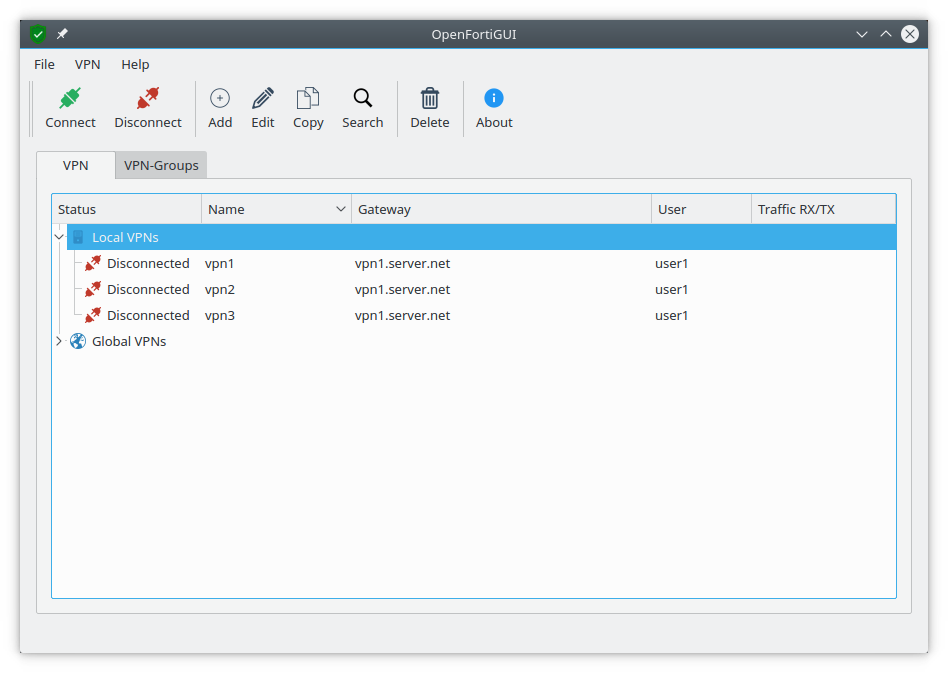
OpenFortiGUI is an open-source VPN-Client to connect to Fortigate and Barracuda VPN-Hardware. For Fortigate VPN it uses openfortivpn, for Barracuda it uses the official Barracuda VPN Client (must be installed) and adds an easy to use and nice GUI on top of it, written in Qt5.
Unlike other VPN-clients it is also possible to connect to multiple VPN-destinations simultaneously (for Fortigate only). It is an alternative for the closed-source Forticlient – SSLVPN Client.
Features include:
- Qt5 GUI
- Fortigate: openfortivpn library built-in, no separate download required
- Barracuda: Official Barracuda VPN Client required, you must first download from Barracuda download site
- All settings saved in text-files, so easy to share, passwords saved AES-encrypted (key can be defined as needed, GNOME keyring & KWallet support)
- VPNs divided into local and global sections (readonly, useful for enterprise deployments to many users)
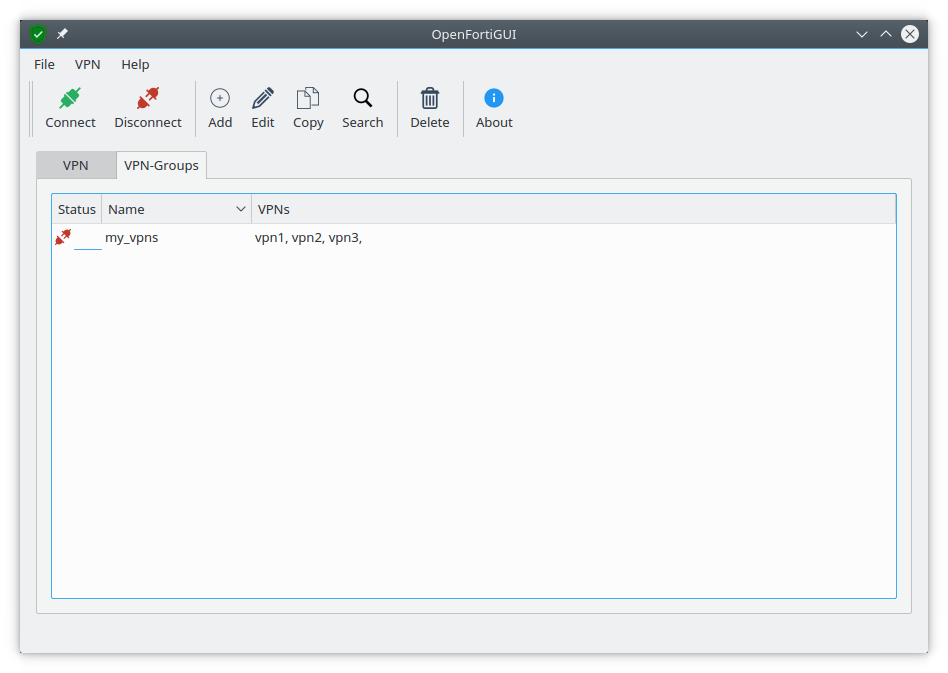
- VPN-groups can be defined to start defined groups of VPNs at the same time
- Trayicon with fast access to start/stop VPNs and groups
- Multiple VPN connections possible simultaneously
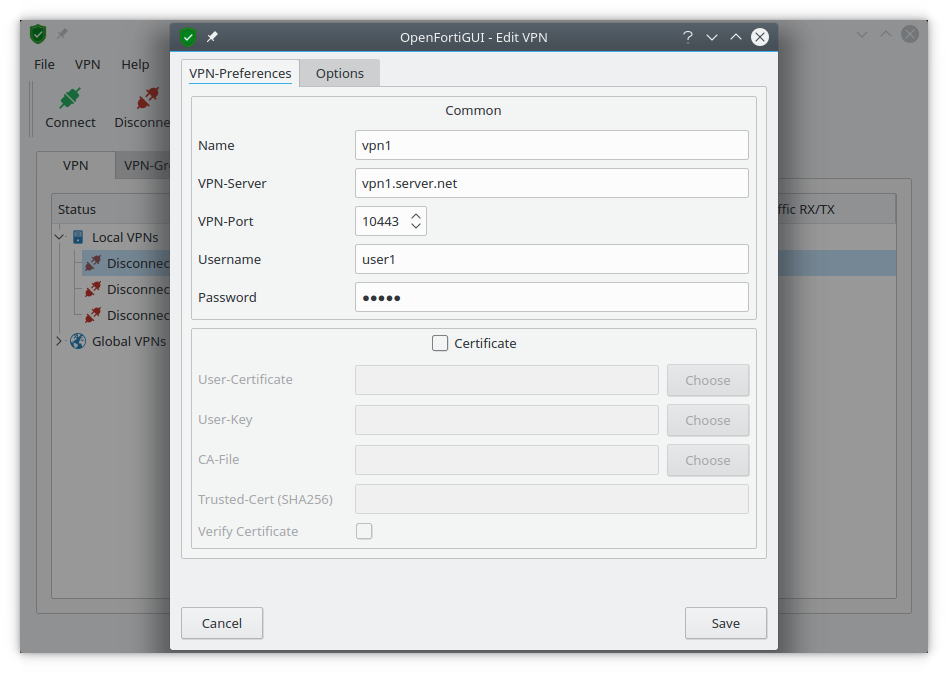
- Certificate and user/password auth supported
- 2Factor support (TOTP)
- Autostart VPNs on program startup
- English, german, catalan (thanks wagafo@github) and japanese (thanks tsundeoku@github) language
- Optional: KRunner Plugin for KDE5
Source & community development: https://github.com/theinvisible/openfortigui
Prebuild packages are available for following Distros:
Last Update 9.2.2024
https://apt.iteas.at/iteas/pool/main/o/openfortigui/
Recommended: Use our apt mirror, for instructions see: https://apt.iteas.at/
Available packages on our apt mirror: openfortigui and openfortigui-runner
Quick instruction to build from source:
- Install DEV-tools (on Ubuntu: build-essential, qt5-default, libssl-dev, qt5keychain-dev)
- git clone https://github.com/theinvisible/openfortigui.git
- cd openfortigui && git submodule init && git submodule update
- qmake && make -j4
- openfortigui binary is ready
Debugging
If you want to help debugging please follow the next steps to produce a debug binary.
- Install DEV-tools (on Ubuntu: build-essential, qt5-default, libssl-dev, qt5keychain-dev)
- git clone https://github.com/theinvisible/openfortigui.git
- cd openfortigui && git submodule init && git submodule update
- qmake openfortigui-project.pro -spec linux-g++ CONFIG+=debug CONFIG+=qml_debug && /usr/bin/make -j4
- openfortigui debug binary is ready
OpenFortiGUI spawns new processes for every VPN connection profile.
You can also start a VPN connection on terminal and so use gdb. For example: sudo /usr/bin/openfortigui –start-vpn –vpn-name [yourvpnname] –main-config ‘/home/[yourusername]/.openfortigui/main.conf’
Just replace [yourvpnname] with your vpn profile name and [yourusername] with your Linux username.
Used software/libraries/resources:
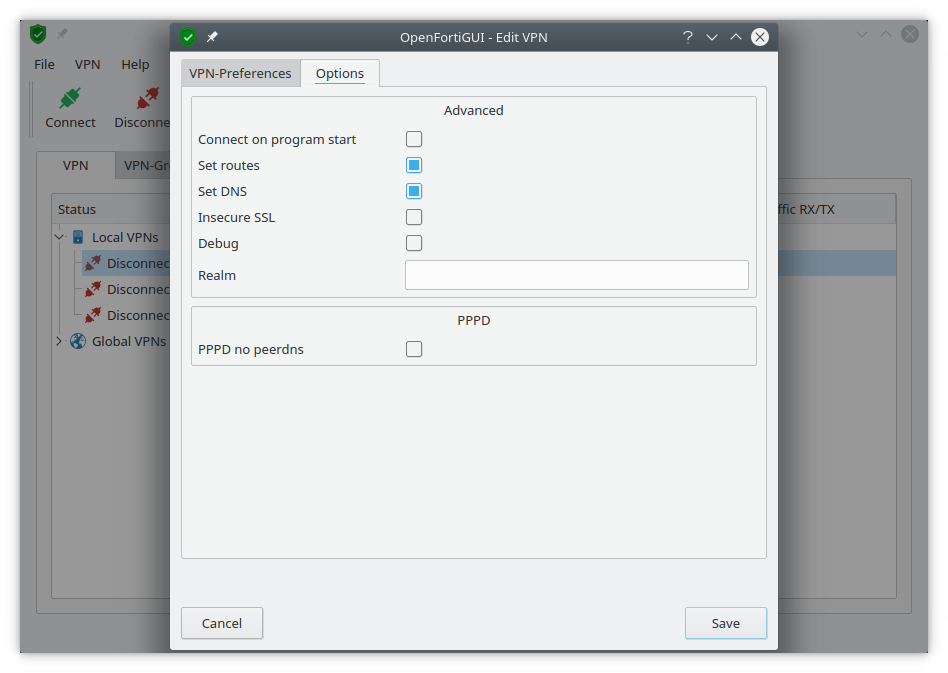
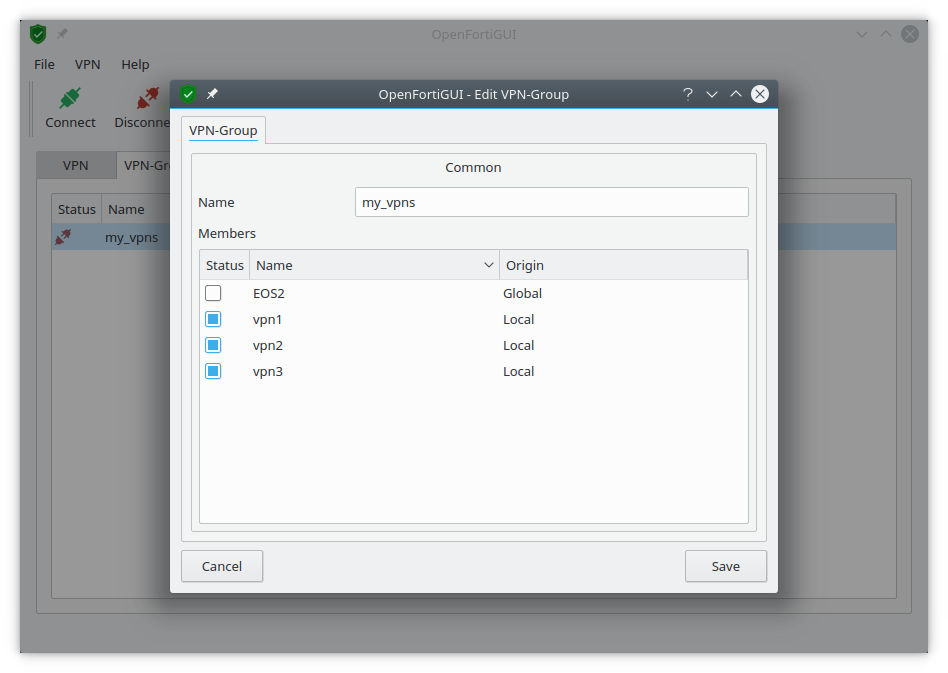
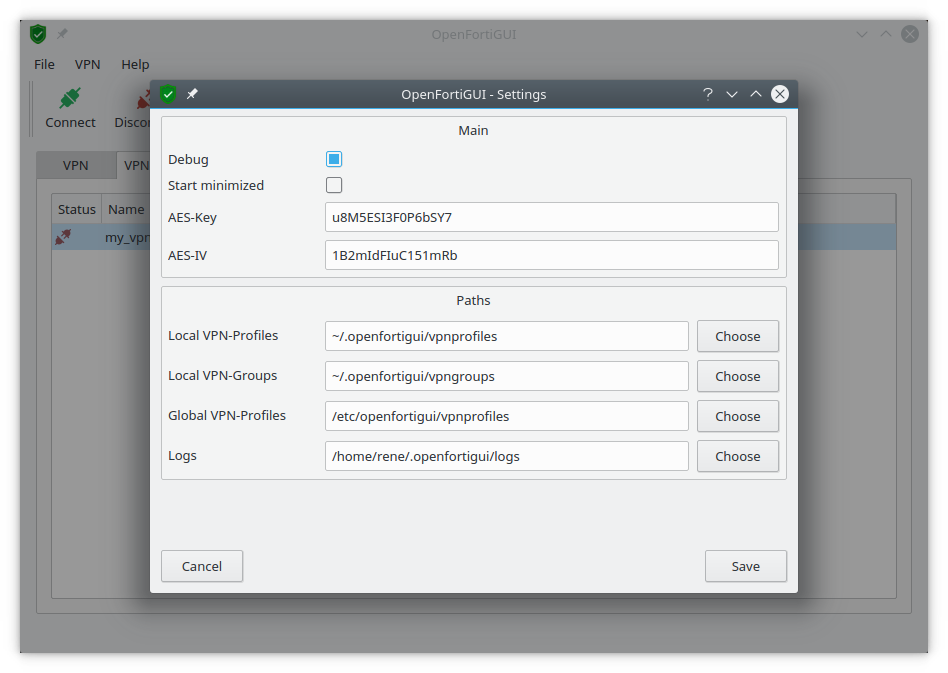
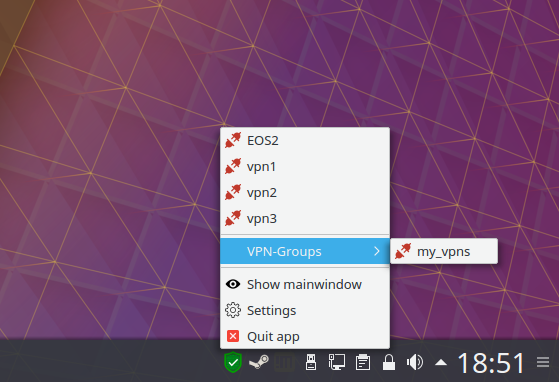
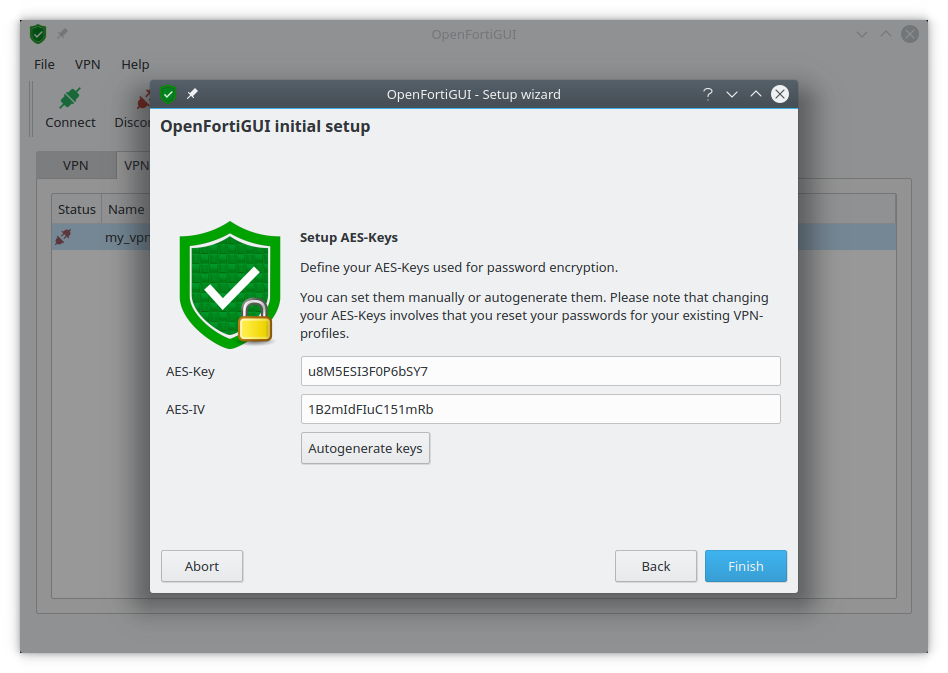
Thanks for maintaining this Linux VPN client and documenting the installation steps. The package repository and screenshots make it much easier to understand how OpenFortiGUI fits into a Linux setup.
The simultaneous Fortigate connection support and text-file-based profiles are especially useful touches for Linux admins. The debugging instructions are also refreshingly concrete—thanks for documenting both the package and source-build paths.